Home > A. Getting Started > Step start-002
How to
{manual.start.signup.when1}
Starting state: {manual.start.signup.precondition1}
- {manual.start.signup.step1}
- {manual.start.signup.step2}
- {manual.start.signup.step3}
Expected result
{manual.start.signup.expected}
If it does not work
- {manual.start.signup.troubleshoot1}
Step-by-step screenshots
Follow the red-numbered hotspots in the images below alongside the steps above.
1. {manual.start.signup.step1}
No screenshot linked to this step yet.
2. {manual.start.signup.step2}
2
2
2
2
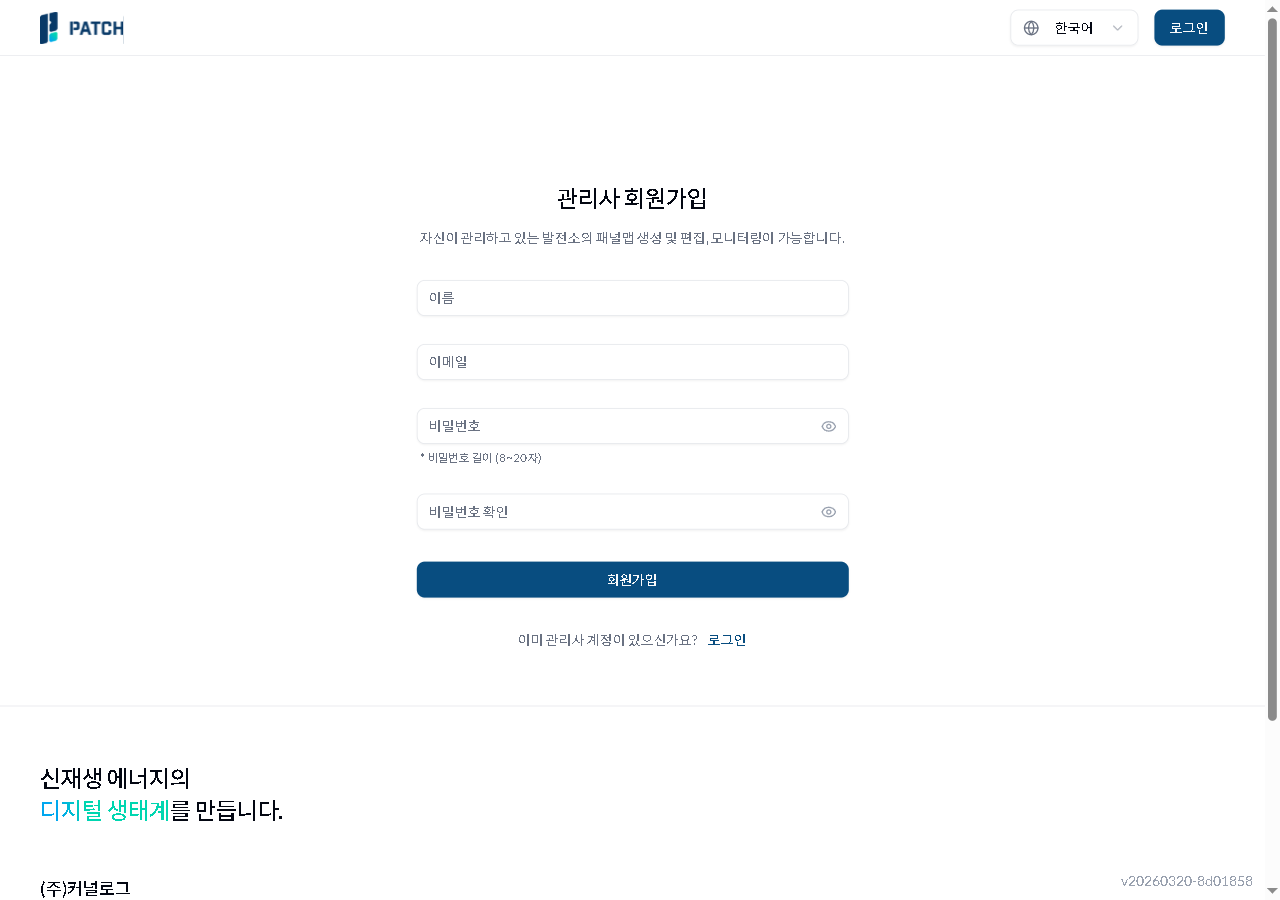
회원가입 화면
Manager sign-up page — name, email, password (8-20 chars), confirm password form with sign-up button
- Name input — enter user name
- Email input — enter the email to use for login
- Password input (8-20 chars) — enter password
- Sign up button — click after filling all fields
3. {manual.start.signup.step3}
No screenshot linked to this step yet.